Room Shape Is Killing Your WiFi and Nobody Talks About It: We Tested 8 Layouts to Find Out Why
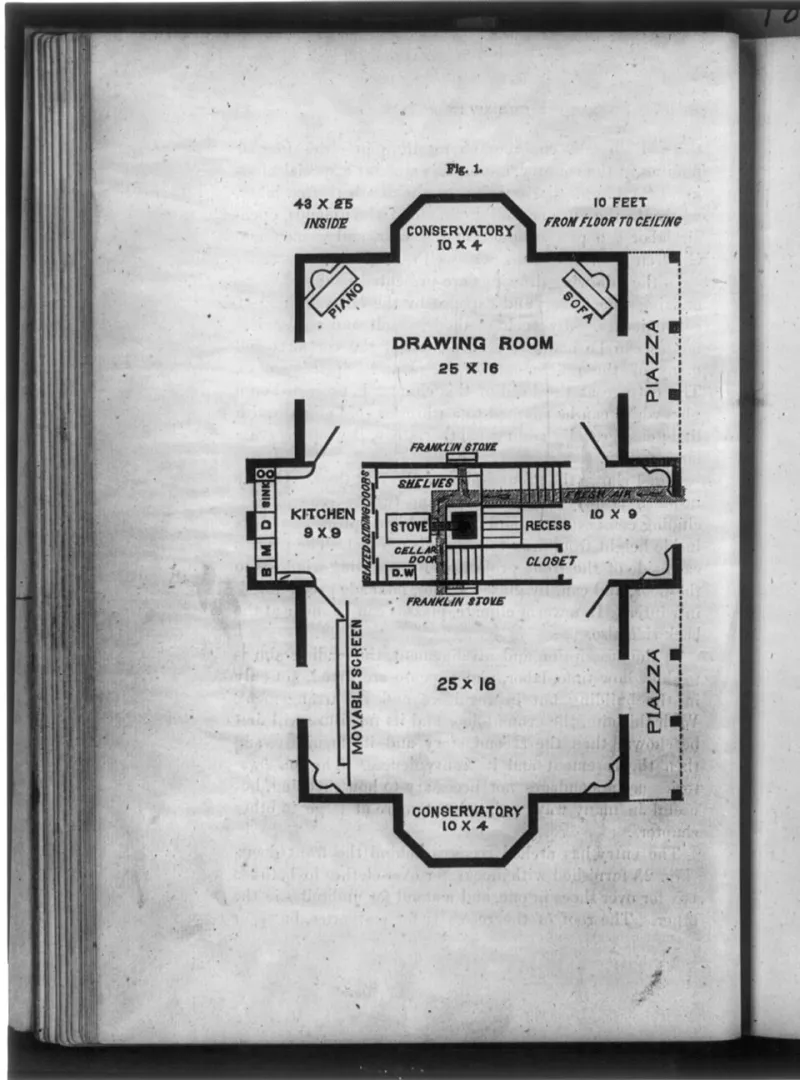
Photo: Miscellaneous Items in High Demand, PPOC, Library of Congress, Public domain, via Wikimedia Commons
Walk into any tech forum and ask why your WiFi is patchy, and someone will tell you to move your router to a more central location. It's the universal answer. It's also, depending on your floor plan, pretty terrible advice.
We spent three weeks dragging the same set of routers through eight different room configurations — not lab mockups, but actual rooms in actual homes across the greater Chicago area. Square bedrooms. Long, narrow hallways doubling as living spaces. L-shaped kitchens. Wide-open loft-style floor plans. The kind of architectural realities that characterize American housing stock from 1960s ranch houses to modern new-construction open-concept builds.
The results? Room geometry matters more than most router reviews will ever admit, and the router that crushes it in one shape can completely fall apart in another.
How We Set This Up
We used three routers across all eight spaces: a mid-range single-unit router (the kind most households are actually running), a high-end tri-band router with beamforming, and a two-node mesh system. We ran throughput tests at fixed measurement points — corners, midpoints, and far walls — using a consistent test device and logged both 2.4GHz and 5GHz performance separately. Walls were accounted for but not modified. We were testing real-world geometry, not a sterile environment.
The eight room types: small square bedroom (~11x11 ft), large square living room (~22x22 ft), narrow rectangle bedroom (~10x18 ft), wide rectangle living room (~16x28 ft), L-shaped kitchen/dining combo, open-concept main floor, split-level with a half-staircase break, and a studio apartment with one large undivided space.
Square Rooms: The Geometry Everyone Assumes
Here's the irony — square rooms are actually the geometry most router marketing implicitly assumes, and yet they're not the dominant shape in most American homes. That said, when we tested in both the small and large square configurations, central placement worked almost exactly as advertised. Signal drop-off was relatively even across all four corners, and all three routers performed comparably well.
The large square living room was the only scenario where the mid-range single router started showing corner weakness on 5GHz, but it wasn't dramatic. If you happen to live in a square room, congratulations: the conventional wisdom actually applies to you.
Narrow Rectangles: Where Single Routers Start Struggling
The narrow rectangle was the first layout where things got genuinely interesting. A 10x18 bedroom sounds manageable, but place a router at the midpoint of the long wall and you're already working against physics. The 5GHz band dropped off hard at the far short wall — we're talking 40–55% throughput loss compared to a position three feet from the router.
The beamforming router handled this better than expected, dynamically pushing signal down the long axis once it detected device location. The mesh system, even with a single node, still outperformed the mid-range router simply because its antenna array was better optimized for directional coverage. The takeaway: in long, narrow spaces, router orientation and antenna design matter enormously — more than placement alone.
L-Shaped Rooms: The Dead Zone Factory
If there's one room shape that exposes router weaknesses fastest, it's the L-shaped layout. We tested in an L-shaped kitchen/dining combo that's genuinely common in American ranch-style homes — one arm running about 12 feet, the other about 16, with a jog in the middle.
Every single router we tested created a dead zone in the inner corner of the L. That's the spot physically farthest from any single placement point, and it's also — in most homes — where people stand while cooking or eating. The mid-range router was essentially useless there on 5GHz. The tri-band router did better but still showed a 60%+ drop in that corner.
The mesh system was the only configuration that handled the L-shape gracefully, and only when we placed the second node at the jog point rather than at the far end of either arm. Placement strategy for mesh systems in L-shaped rooms is almost entirely different from what the instruction manual suggests. Node placement at the geometric inflection point — not the far wall — is the move.
Open Concept: The Layout That Exposes Antenna Quality
Open-concept main floors are everywhere in new American construction, and they present a deceptively tricky problem. There are no walls to reflect or attenuate signal, which sounds like a win — but it also means there's nothing to help signal wrap around obstacles, and a single router has to cover a genuinely large, irregularly shaped space.
In our open-concept test (roughly 900 square feet of continuous space with a kitchen island and a partial half-wall), the mid-range router performed surprisingly well in the center of the space but fell apart near the edges and in the kitchen peninsula area. The tri-band router with beamforming was the standout here — in a wide-open environment, its ability to steer signal toward active devices made a real, measurable difference. Throughput at the far corners was 20–30% better than the mid-range unit.
Mesh in open concept is a bit overkill if your space is genuinely open, but it's still the most consistent performer if your open floor plan has any kind of island, peninsula, or partial partition.
The Split-Level Surprise
We almost didn't include the split-level configuration, but it turned out to be one of the most revealing tests. A half-staircase drop — common in 1970s and 1980s American suburban homes — creates a weird signal environment where you're not quite dealing with a full floor change but you're not on the same plane either.
The mid-range router, placed on the upper level, lost almost all 5GHz signal on the lower landing. The tri-band unit did better but still showed significant degradation. The mesh system, with one node on each level, was the only setup that maintained consistent performance throughout. If you're in a split-level and struggling with WiFi, a single router is almost certainly not going to cut it regardless of where you put it.
What This Actually Means for Your Home
The honest conclusion from three weeks of geometry testing is that room shape is a first-order variable that most people — and most reviews — treat as an afterthought. Here's the condensed version of what we learned:
- Square rooms: Any decent router, central placement, you're probably fine.
- Long rectangles: Prioritize beamforming capability and think carefully about router orientation, not just location.
- L-shaped spaces: Single routers will always create dead zones. Mesh is the practical solution, and node placement at the inflection point is critical.
- Open concept: Beamforming matters more here than anywhere else. Mesh is optional but consistent.
- Split-levels: Mesh, full stop. One node per level, minimum.
The 'put it in the center' advice isn't wrong — it's just incomplete. Your center depends entirely on what shape you're working with, and some shapes don't have a center that helps you at all. Before you blame your router for dead zones, spend five minutes thinking about your floor plan. The geometry might be the whole story.