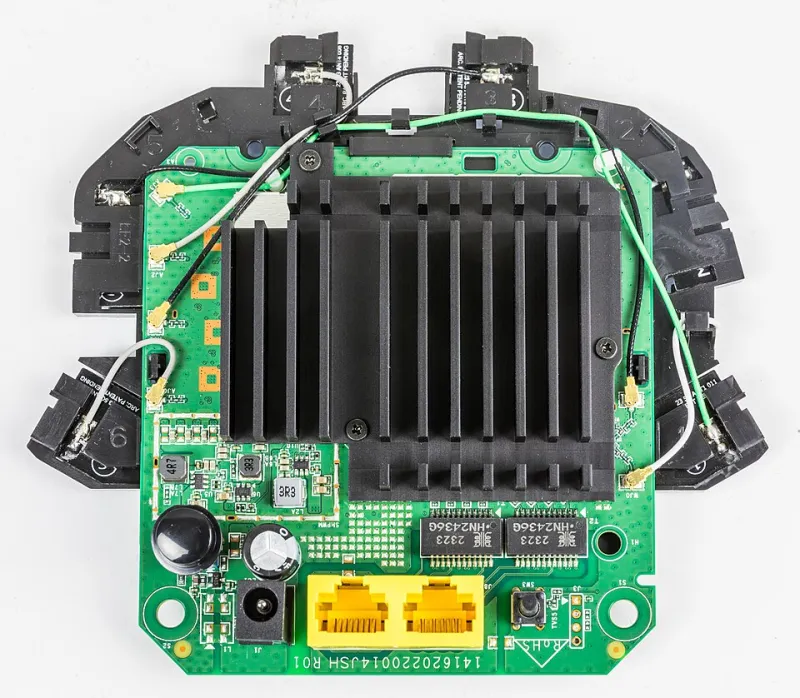
Gaming Routers vs. Regular Routers: We Played 40 Hours of Multiplayer to Find Out If the Upgrade Is Real
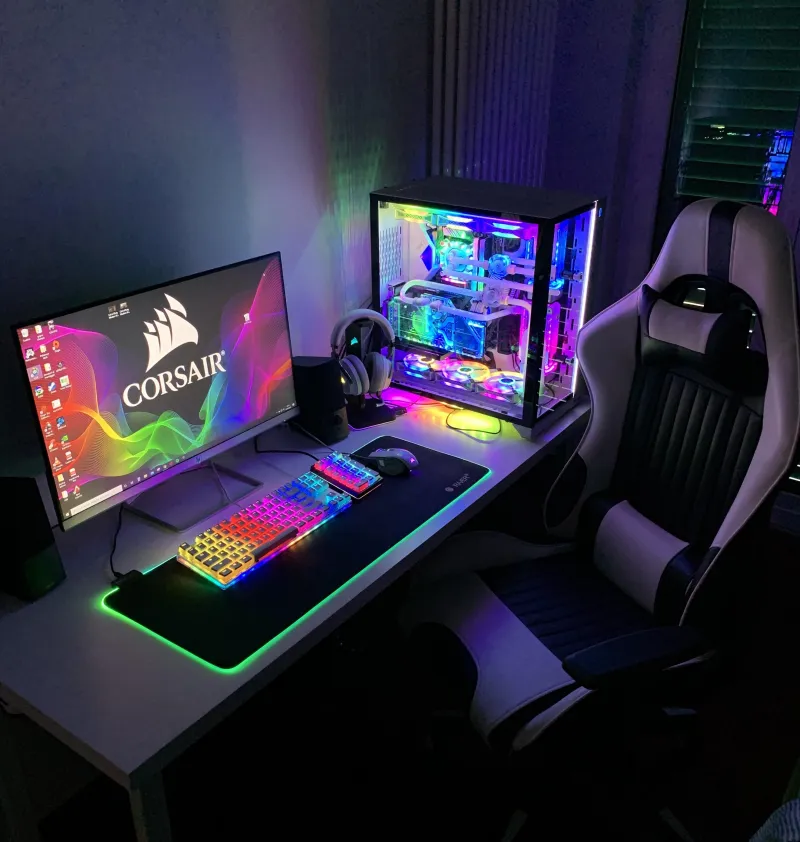
Photo: gaming router RGB lights setup desk PC gaming, via i.pinimg.com
Walk into any Best Buy and the gaming router section practically shouts at you. Black angular chassis, aggressive RGB strips, marketing copy full of phrases like 'zero-lag dominance' and 'built for battle.' Then you look at the price tag — sometimes $300, $400, even north of $500 — and you have to ask: is any of this real?
We did. So we tested it.
Over three weeks, our team ran structured multiplayer sessions across four popular titles — Call of Duty: Warzone, Valorant, Fortnite, and EA FC 25 — using a rotating lineup of gaming-focused routers and standard mid-range models. Same house, same ISP plan, same PC, same time slots. The only variable was the router sitting in the closet.
Here's what the actual data showed.
How We Set Up the Test
First, a note on methodology. We used two test rigs: one wired via Ethernet (to isolate router performance from WiFi variability) and one connected over WiFi 6 at close range. We measured average ping, ping spikes (jitter), and packet loss over 20-minute sessions during US peak hours — roughly 7 to 10 p.m. Eastern, when server load is highest.
The gaming routers in our lineup included the ASUS ROG Rapture GT-BE98, the Netgear Nighthawk Pro Gaming XR1000, and the TP-Link Archer GX90. Against them, we ran the TP-Link Archer AX55, the Eero Pro 6E, and a mid-tier Netgear Orbi setup — none of them marketed as gaming gear, all of them well-regarded by regular users.
We also deliberately left Quality of Service (QoS) and any game-specific traffic prioritization features off during the first round of testing, then turned them on for round two. That distinction turned out to matter a lot.
The Baseline Results: Closer Than You'd Think
With gaming-specific features disabled, the performance gap between gaming routers and standard routers was genuinely small on a wired connection. Average ping to game servers hovered within 2–4ms of each other across the board. Packet loss was near-zero on both sides in most sessions. Jitter — the thing that actually makes games feel stuttery — was comparable.
On WiFi, the story got slightly more interesting. The gaming routers showed modestly better consistency during congested evening hours, likely due to better radio hardware and more aggressive band steering. But we're talking about the difference between a 14ms average and an 11ms average. In a fast-paced shooter, that's technically measurable. Whether it's perceptible is a different question.
Our honest take from round one: if you're on Ethernet and your ISP connection is solid, a $90 router and a $450 gaming router produce results that look nearly identical in a spreadsheet.
Where Gaming Routers Actually Earn Their Keep
Round two changed things — at least partially.
Once we enabled QoS and traffic prioritization on the gaming routers, performance during congested household scenarios improved noticeably. We simulated a realistic American household: someone streaming 4K Netflix, another device doing a cloud backup, a smart TV running YouTube, and our test PC gaming simultaneously. Under that load, the gaming routers kept ping stable while the standard routers let latency creep up — in some cases spiking to 60–80ms during particularly heavy traffic bursts.
The Netgear XR1000's DumaOS geo-filtering feature was the most interesting to test. It lets you restrict which game servers you connect to based on geographic distance, which sounds great in theory. In practice, it sometimes forced connections to less optimal servers just because they were physically closer, and we had to manually whitelist regions to stop it from tanking matchmaking. Useful tool — but not plug-and-play magic.
The ASUS ROG router's game acceleration features were more hands-off and generally helped without requiring much tuning. If you want the gaming features to actually work without becoming a part-time network admin, ASUS's implementation felt the most polished.
The WiFi Tax: RGB and Aesthetics Don't Come Free
Let's be blunt about something. A significant portion of what you're paying for with a gaming router is the look. The angular chassis, the LED lighting, the 'gamer' branding — none of that affects your ping. We weighed the marketing materials against the actual performance data, and the gap between the two is wide.
Some of the premium you pay does go toward better hardware: stronger radios, more RAM for handling routing tables under load, and more robust QoS implementations. But a chunk of it is purely aesthetic and brand positioning. The TP-Link Archer GX90 gave us performance nearly identical to routers costing twice as much, which says a lot.
So Who Should Actually Buy a Gaming Router?
Here's our honest breakdown:
Buy a gaming router if: Your household has heavy competing traffic during your gaming sessions, you want built-in QoS without setting it up manually, and you're on WiFi rather than Ethernet. The hardware prioritization features make a real difference when your network is actually congested.
Skip the gaming router if: You're on a wired connection, you live alone or have light household traffic, or your budget is tight. A solid mid-range router will serve you just as well in those conditions, and you can put the savings toward a better GPU or a faster internet plan — both of which will do more for your gaming experience than a $400 router.
The gaming router market isn't a complete scam. But it's not the game-changer the marketing suggests, either. Know your actual network conditions before you spend the money.
The Bottom Line
After 40 hours of multiplayer sessions and more spreadsheet rows than we care to count, here's the WiFi Shootout verdict: gaming routers provide real but conditional benefits. The conditions are household network congestion and WiFi dependency. If those describe you, the upgrade has merit. If they don't, you're mostly paying for a cooler-looking box.
Before you drop $400 on a router with a skull logo, try enabling QoS on whatever router you already own. You might be surprised how much headroom you already have.