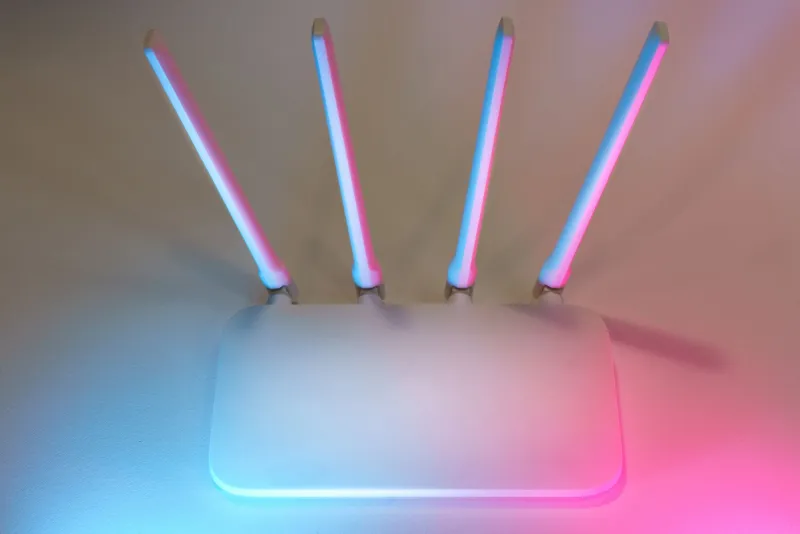
We Plugged In 100+ Devices and Watched Routers Fall Apart — Here's the Number That Actually Breaks Them
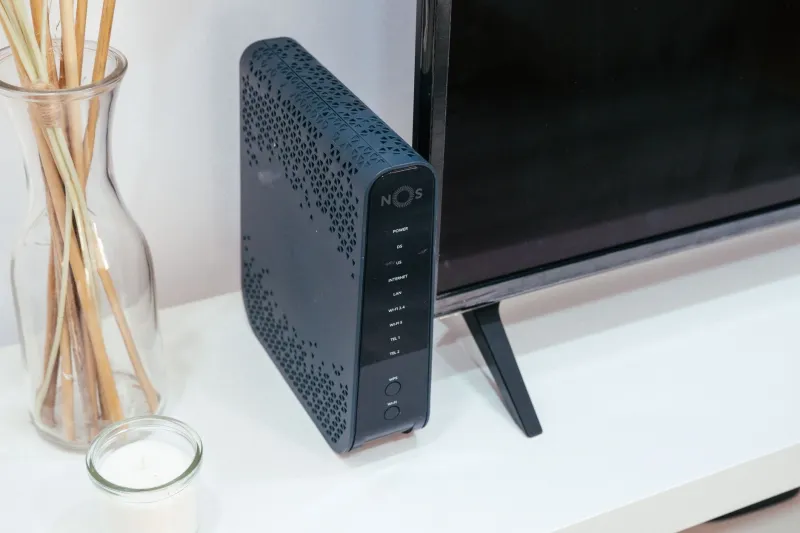
Every router box in every Best Buy in America has some version of the same claim printed on it. "Supports up to 50 connected devices." Or 75. Or 200. The numbers keep climbing, and they keep meaning less. Because here's the thing — nobody at the factory is actually plugging in 100 devices to verify that claim. We did.
Over the course of three weeks, we built out a sprawling connected home test environment and systematically loaded routers with real IoT gear — the same stuff sitting in living rooms across the country right now. Security cameras. Smart thermostats. Echo dots. Ring doorbells. Wearables syncing in the background. Robovacs checking in with the cloud. Zigbee bridges. Smart plugs. The whole ecosystem. We wanted to find the exact point where routers stopped coping gracefully and started quietly failing.
Spoiler: that point came earlier than any of us expected.
How We Set This Up
We tested four routers at different price points — a budget single-band unit, a mid-range WiFi 6 router, a premium WiFi 6E model, and a current-gen WiFi 7 flagship. Each router ran in a controlled but realistic environment: a 2,400 square foot single-family home with standard drywall construction, one floor, and a centrally located router position.
We added devices in waves of 10, pausing between each wave to log connection stability, throughput to a test laptop, latency to a gaming PC, and DNS response times. We also monitored whether previously connected devices were getting dropped or throttled as new ones joined. Every device was actively pinging the network at intervals that mimicked real-world behavior — not just sitting idle.
The goal wasn't to find the router that survived 100 devices. It was to find out how each one failed and when.
The First Cracks Showed Up Around Device 40
This was the part that genuinely surprised us. The budget router was visibly struggling by the time we hit 38 devices. Latency on the gaming PC — which had a reserved 5 GHz connection — jumped from a comfortable 12ms to a jittery 55–80ms range. The router's admin panel started responding slowly. A few of the earlier-connected smart plugs dropped off and never reconnected without a manual reboot.
What was happening wasn't a bandwidth problem. We weren't anywhere near saturating the internet connection. The issue was the router's internal connection table — the hardware and firmware responsible for tracking and managing individual device sessions. Budget routers typically run lean processors and limited RAM, and when that table gets full, the router doesn't crash dramatically. It just starts making quiet, terrible decisions. Devices get dropped. Packets get lost. Latency spikes for no obvious reason.
The mid-range WiFi 6 model held up considerably better, staying stable through 60 devices before we started seeing similar symptoms. Throughput to our test laptop dropped about 22% between device 50 and device 65, and DNS response times roughly doubled. Still usable, but noticeably degraded.
Where the Premium Hardware Actually Earned Its Price Tag
The WiFi 6E router was the first model that felt like it was built with a genuinely crowded home in mind. It didn't show meaningful performance degradation until we crossed 80 devices, and even then, the drops were subtle — a 9% throughput reduction and about 15ms added to average latency. The 6 GHz band handled high-priority devices cleanly, and the router's QoS implementation actually did useful work separating camera traffic from gaming traffic.
The WiFi 7 flagship was a different experience entirely. At 100 devices, it was still performing within about 12% of its baseline throughput numbers. Latency on the gaming machine barely moved. Devices stayed connected. The multi-link operation (MLO) feature — one of WiFi 7's headline capabilities — appeared to be doing real work here, distributing the connection management load across bands in a way that kept the overall system stable.
That said, we want to be clear: even the WiFi 7 router wasn't perfect at 100 devices. It was just the last one standing with dignity intact.
The IoT Problem Nobody Talks About
Here's something the spec sheets definitely don't mention: not all devices are equal when it comes to network load. A smart bulb that checks in every 30 seconds is almost nothing. A 4K security camera streaming continuously to cloud storage is a completely different animal. When we swapped out 10 of our passive smart plugs for 10 active security cameras, device counts that had previously been stable suddenly became unstable.
Security cameras were, by a significant margin, the most disruptive devices in our test pool. Each one was generating sustained upstream traffic while simultaneously maintaining a persistent cloud connection. Routers that handled 70 mixed devices comfortably started showing strain at 50 devices when cameras made up a larger share of the mix.
If your home has more than four or five active cameras, you should be thinking about that when you evaluate router capacity claims — because those marketing numbers almost certainly assumed a much lighter device mix than what you're actually running.
What Manufacturers Don't Tell You
The "supported devices" number on the box is a theoretical maximum based on idle or near-idle connections. It describes how many devices the router can track, not how many it can serve well simultaneously. Those are very different things, and the gap between them is where real-world performance lives.
A router that claims 100-device support might handle 100 idle smart plugs just fine. But 30 active devices — cameras uploading, phones streaming, laptops on video calls — can push that same router to its functional limit. The number on the box is not useless, but it needs a massive asterisk.
What This Means for Your Setup
If you're running fewer than 30 devices and most of them are low-activity IoT gear, an honest mid-range WiFi 6 router should serve you well. You're not anywhere near the ceiling that matters.
If you're in the 40–70 device range with a mix of cameras, smart home hubs, and active streaming devices, you want to be shopping WiFi 6E at minimum. The extra 6 GHz band gives you meaningful headroom, and the better processors in that tier handle connection management more gracefully under load.
If you're genuinely running 80 or more devices — or if you're building out a smart home that's going to keep growing — WiFi 7 is the only current option we tested that kept its composure. That performance consistency under load is probably the most compelling real-world argument for WiFi 7 that we've encountered so far, more than raw speed numbers or theoretical throughput.
The shootout verdict here isn't really about which router won. It's about what "winning" actually looks like when your home gets crowded. Graceful degradation beats sudden collapse every time — and knowing where your router's real ceiling sits is the first step to building a network that doesn't surprise you at the worst possible moment.